






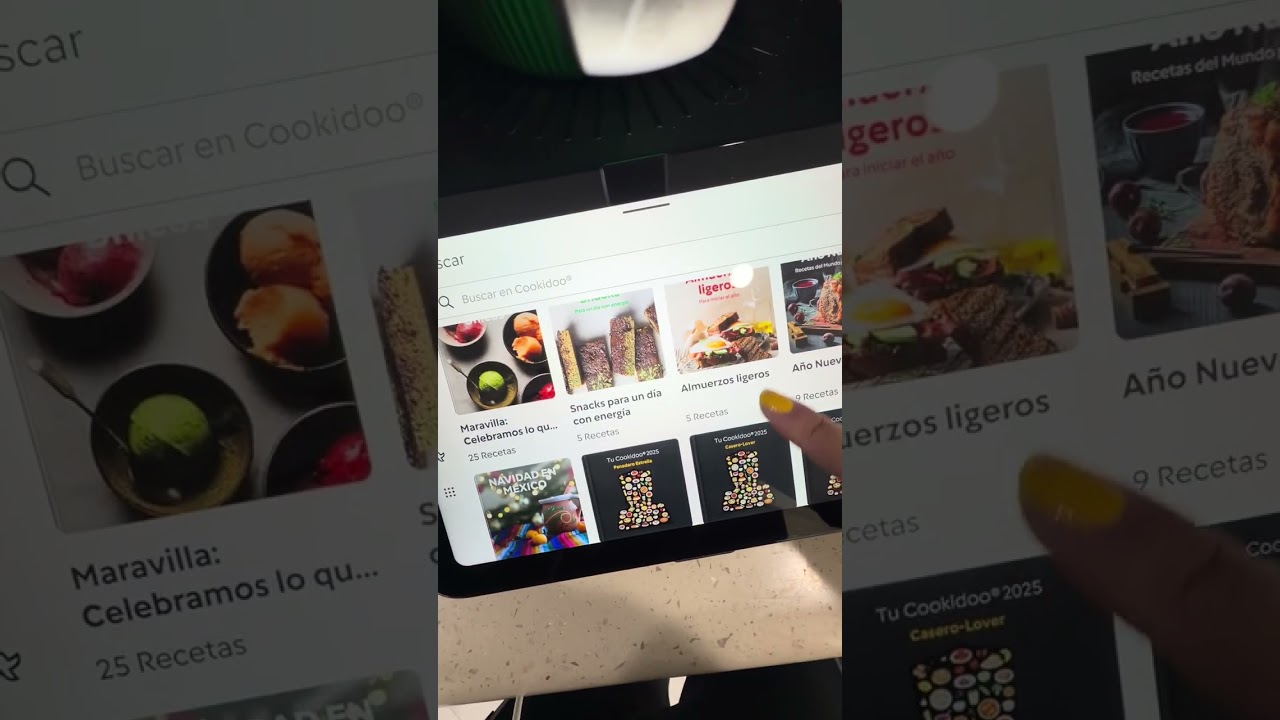








THERMOMIX TM7 – How to Fix Recipes Not Downloading

Recipes won't download from Cookidoo on your THERMOMIX TM7? In this video I show you how to fix that by checking your Wi-Fi connection, updating the software, and verifying your subscription status. You'll open Settings → Wi-Fi to ensure you are connected to a strong network, then go to About THERMOMIX → Search for updates to install any available software patches. If the issue persists, restart the device by holding the power button until it shuts down, wait half a minute, and turn it back on. Finally, check your Cookidoo account status via the nine dots icon → profile to confirm you have an active subscription; without one, recipe downloads will fail.How to fix recipes not downloading on THERMOMIX TM7?Why won't my THERMOMIX TM7 download Cookidoo recipes?Does THERMOMIX TM7 need a subscription for Cookidoo?0:00 Intro - fixing THERMOMIX TM7 recipe downloads0:19 Check Wi-Fi network connection0:48 Update THERMOMIX software and install updates1:05 Verify country, language, and region settings1:25 Restart the device by holding power button2:06 Check Kuokito account status and subscription3:02 Factory reset the THERMOMIX as last resort3:28 Outro - like and subscribe#Thermomix #TM7 #Cookidoo #KitchenTechFind out more:https://www.hardreset.info/devices/thermomix/thermomix-tm7/Follow us on Instagram ► https://www.instagram.com/hardreset.infoLike us on Facebook ► https://www.facebook.com/hardresetinfo/Tweet us on Twitter ► https://twitter.com/HardResetISupport us on TikTok ► https://www.tiktok.com/@hardreset.infoUse Reset Guides for many popular Apps ► https://www.hardreset.info/apps/apps/

SORT BY-
Top Comentarios
-
Últimos comentarios